Hide Headers, Commandbar, Tabs in D365 Forms
There are options available to hide Command Bar, Header part and Tabs.
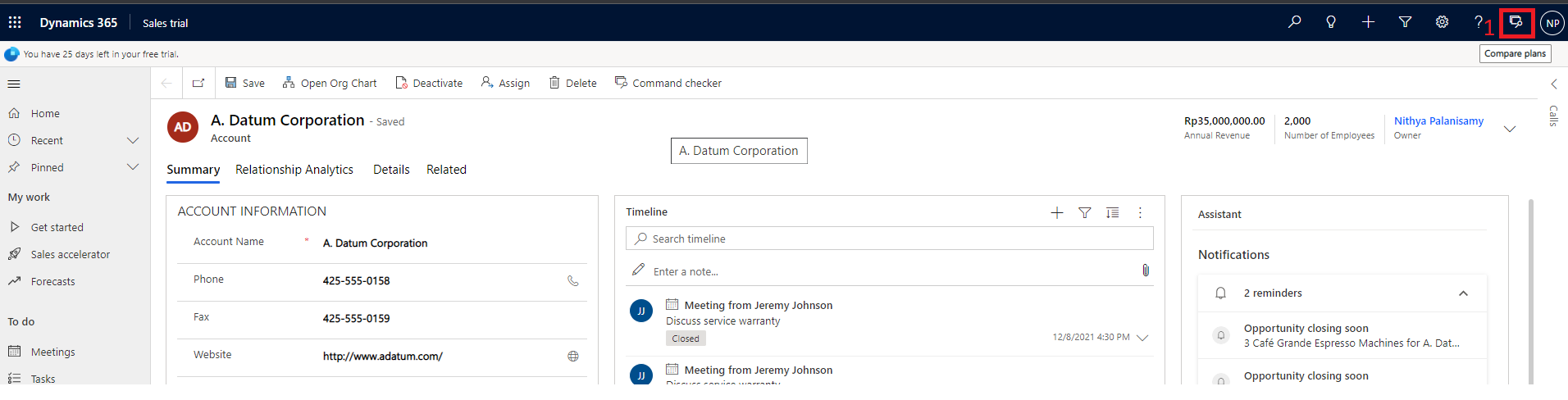
Below is the screenshot which highlights these areas for your understandings.

let formContext = Xrm.Page;
or
let formContext =
executionContext.getFormContext();
// Hide Header part
formContext.ui.headerSection.setBodyVisible(false);
//Hide Command bar
formContext.ui.headerSection.setCommandBarVisible(false);
// Hide Tabs
formContext.ui.headerSection.setTabNavigatorVisible(false);
After all are hidden,



Comments
Post a Comment